Add target node-exporter
Hi there, I am a learner first and then an IT enthusiast. I have started exploring and ocean of DevOps Tools and tech.
Adding target’s using node-exporter
We can add targets which are nothing the nodes we wish to monitor in our Prometheus server.
- To add the target we have to modify
vi /etc/prometheus/prometheus.ymland the target sections of thestatic_configsection.
I have added my personal machine to the targets sections in the screenshot below. Note, that you should know your target machine’s IP address and port 9100 should open it. Make sure to maintain proper indentation too and save the file.
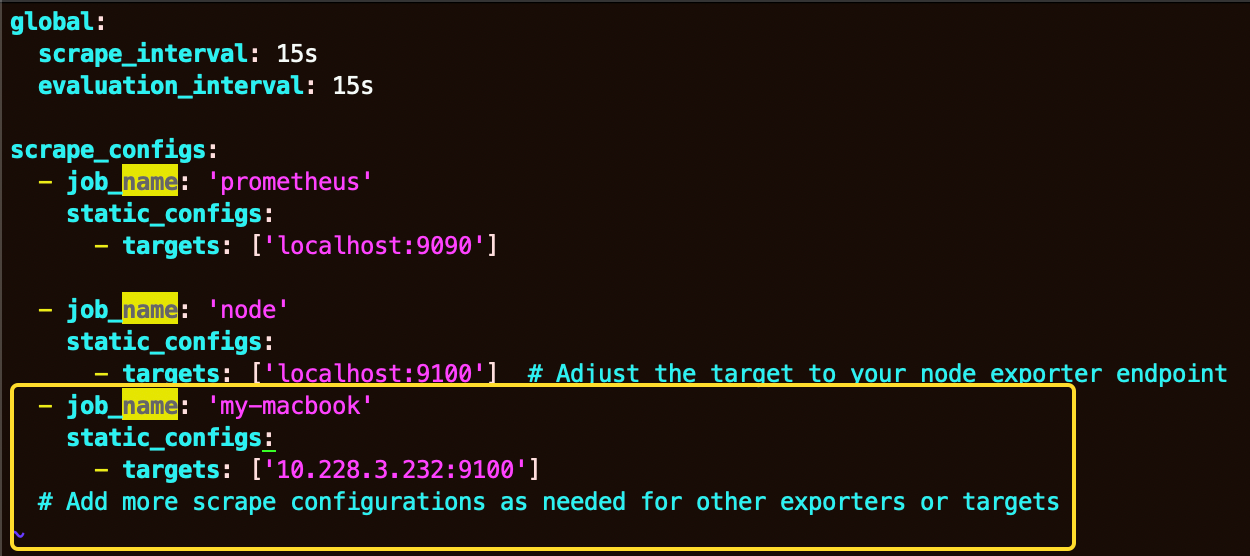
Now we have added the IP address in the prometheus.yml file, it’s time to download the appropriate node and exporter and start it on the target machine from this link. https://github.com/prometheus/node_exporter/releases
To Verify whether the targeted machine is to be monitored or not, Hit this endpoint
http://lcoalhost:9090/targets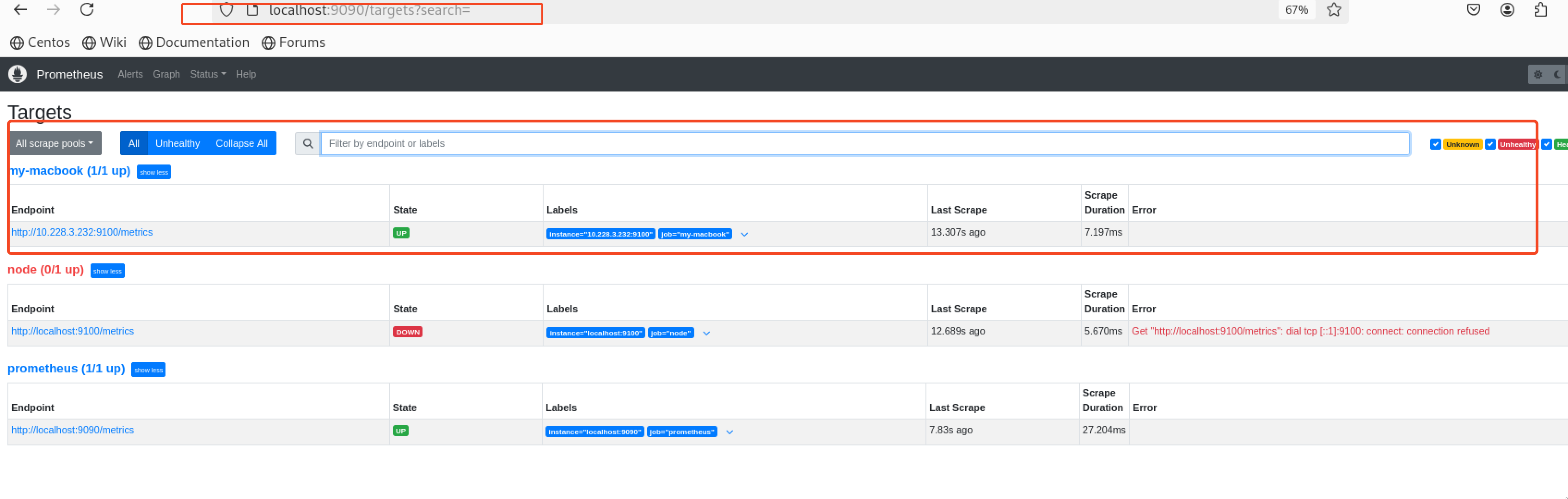
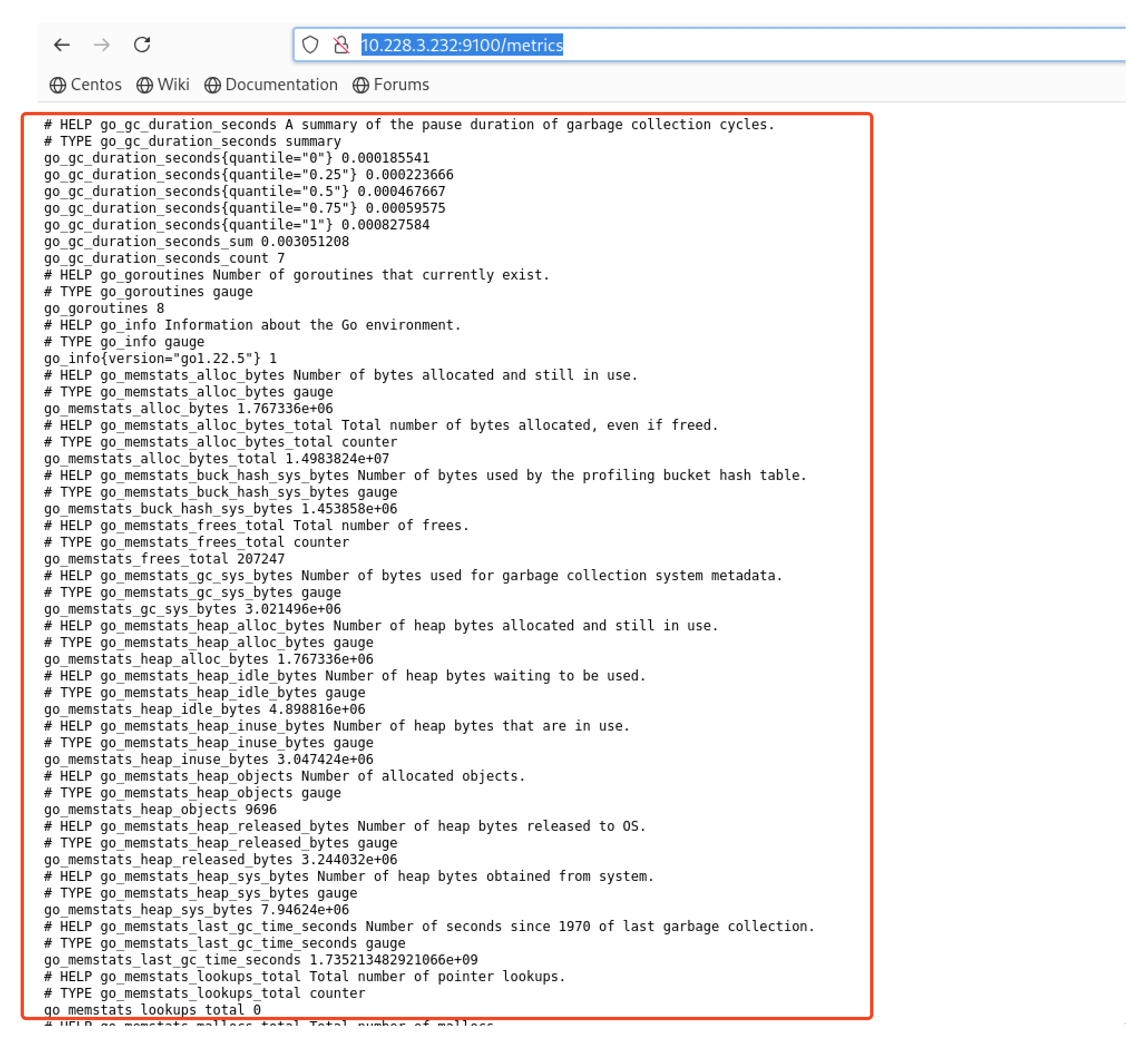
You can verify its metrics too using
http://<target-IP>:9090/targetsin my case.http://10.228.3.232:9100/metrics